
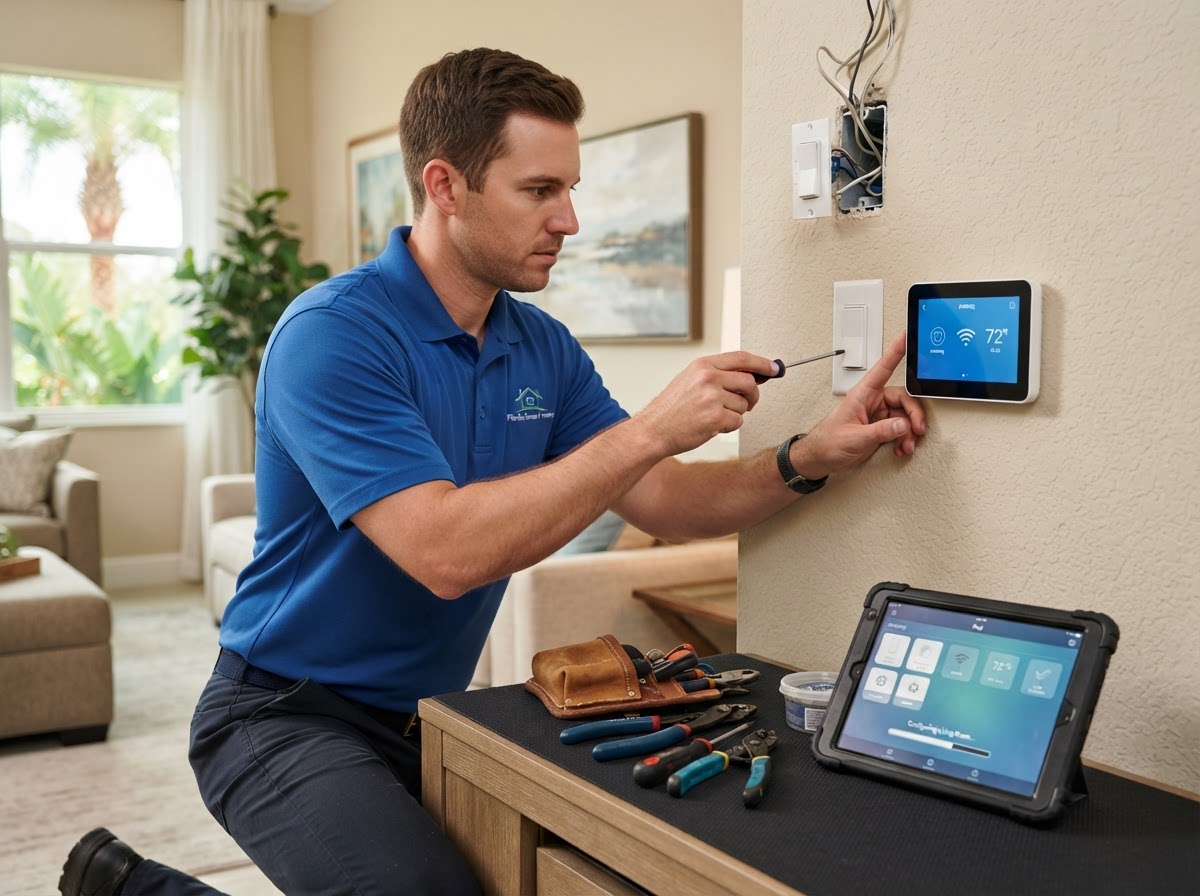
A step-by-step guide to planning a smart-home system, preparing for installation, using scenes and automations, and maintaining reliable performance.
Key Takeaways
- Start by identifying which devices you want to automate and your daily routine.
- Choose compatible devices and a control platform (app, voice, touchpad).
- Prepare your property with reliable Wi-Fi and power where devices will install.
- Set up scenes and automations that match how you actually use your home.
- Maintain the system with firmware updates and periodic device checks.

Table of Contents
- 1.Step 1: Identify What You Want to Automate
- 2.Step 2: Choose Compatible Devices and Control
- 3.Step 3: Prepare Your Property
- 4.Setting Up Scenes and Automations
- 5.Maintaining Your Smart Home
- 6.Frequently Asked Questions
Step 1: Identify What You Want to Automate
Start by listing what you want to control—lighting, climate, locks, cameras, shades, entertainment, or garage. Then think about your daily routine: when you wake up, leave, return, and go to bed. These patterns become the basis for automations.
For example, if you always turn off lights and lock doors at bedtime, a 'Goodnight' scene automates that. If you lower the thermostat when you leave for work, an automation can do it based on your phone's location or a schedule.
Step 2: Choose Compatible Devices and Control
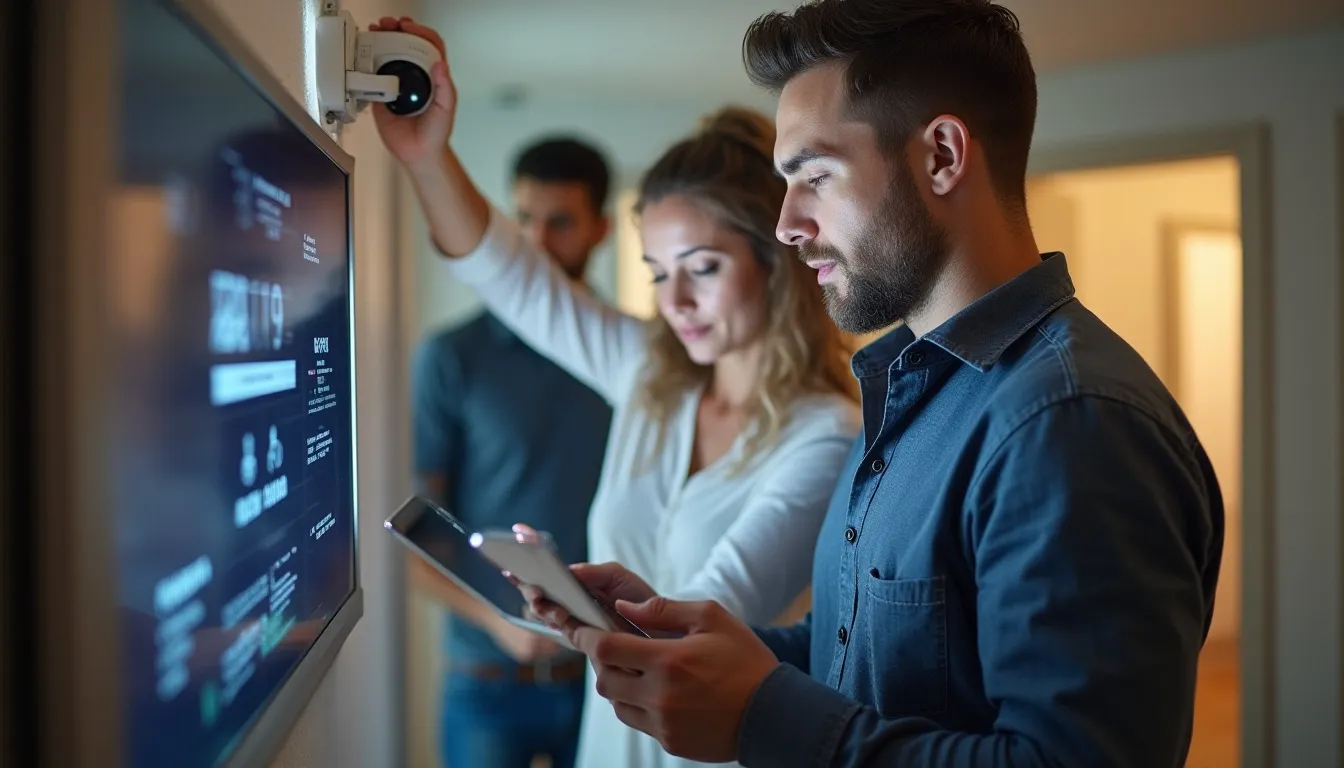
Choose devices that work with your preferred control platform—Alexa, Google Home, or a dedicated smart-home hub. Compatibility matters because devices that do not communicate with your platform create a fragmented experience.
V Power Solutions recommends devices known to work well together and with your chosen platform. We also choose the control methods that fit your household—app for remote, voice for hands-free, touchpads for quick access.
Step 3: Prepare Your Property
Smart devices need reliable Wi-Fi and power. Confirm your Wi-Fi reaches all areas where devices will install—consider a mesh system for larger homes. Ensure power is available where wired devices like shades or touchpads will mount.
If you have an HOA or building management, confirm any rules about exterior devices like cameras or smart locks. V Power Solutions coordinates these details, but knowing them in advance keeps the project on schedule.
Setting Up Scenes and Automations
Scenes and automations are where a smart home becomes genuinely useful. A scene triggers multiple devices at once; an automation triggers based on time, location, or sensors. Set these up around your real routine, not hypothetical scenarios.
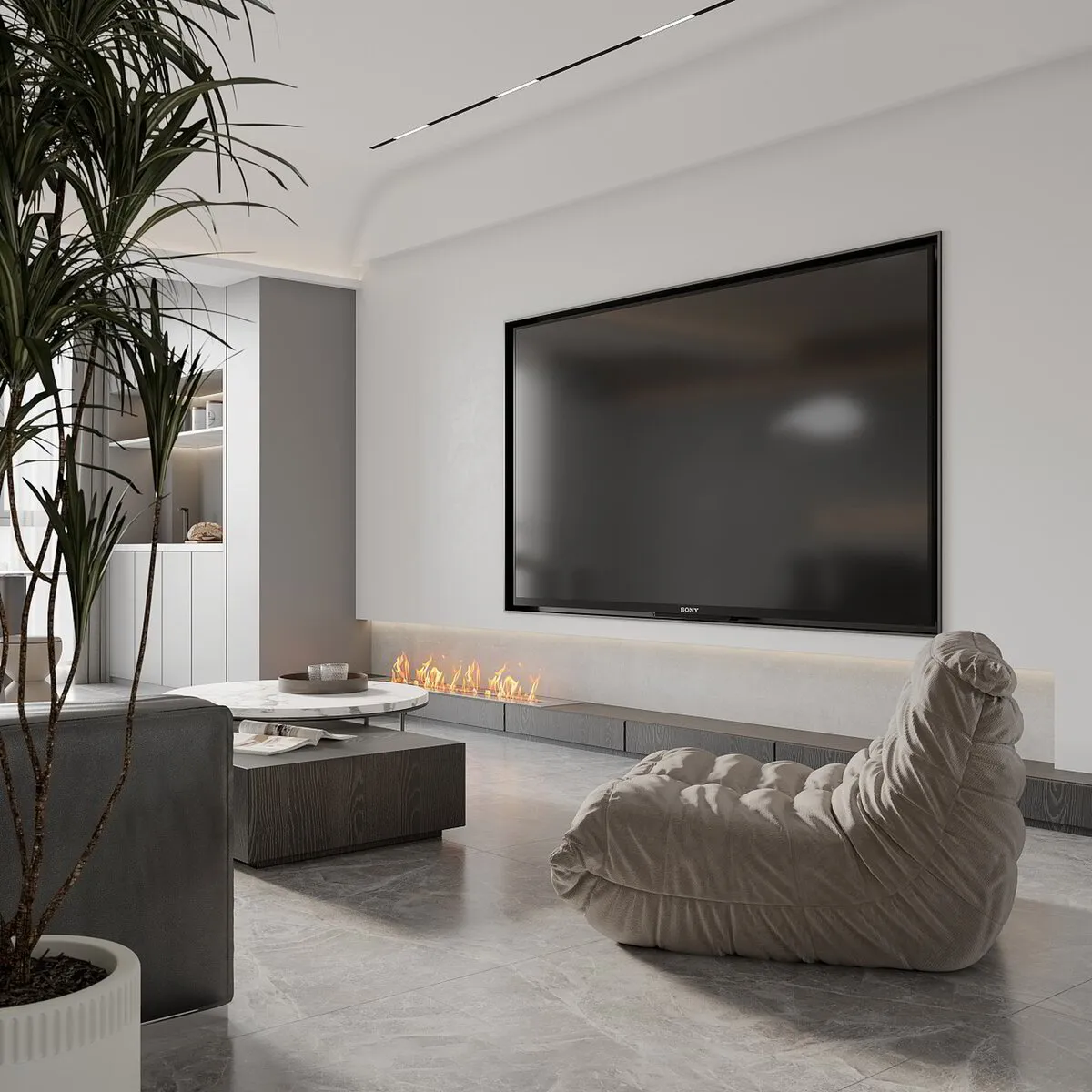
Common scenes include 'Goodnight' (lock doors, dim lights, adjust thermostat), 'Away' (lock up, turn off lights, set thermostat back), and 'Movie' (dim lights, lower shades, turn on TV). Automations can turn on exterior lights at sunset or lock doors at a set time.
Maintaining Your Smart Home
A smart home needs minimal but regular maintenance. Keep device firmware updated through the apps—updates improve reliability and security. Periodically check that automations still match your routine and adjust as your schedule changes.
Verify that all devices respond to control and that Wi-Fi coverage remains strong. If a device drops offline, a reboot usually resolves it; if not, contact V Power Solutions for support. As you add devices, confirm they integrate with your existing scenes and automations.
- Keep device firmware updated through the apps
- Check automations match your current routine
- Verify all devices respond to control
- Ensure Wi-Fi coverage stays strong
- Contact support if a device stays offline
Planning a smart-home system? V Power Solutions can design automations around your routine and install devices that work together reliably.
Request a Free ConsultationFrequently Asked Questions
Q.How do I set up a smart home system?+
Q.Do I need strong Wi-Fi for a smart home?+
Q.What smart-home scenes should I set up?+
Q.How do I maintain a smart-home system?+
Q.Can I add devices later?+
Q.What if a smart device goes offline?+
Related Services
Related Articles
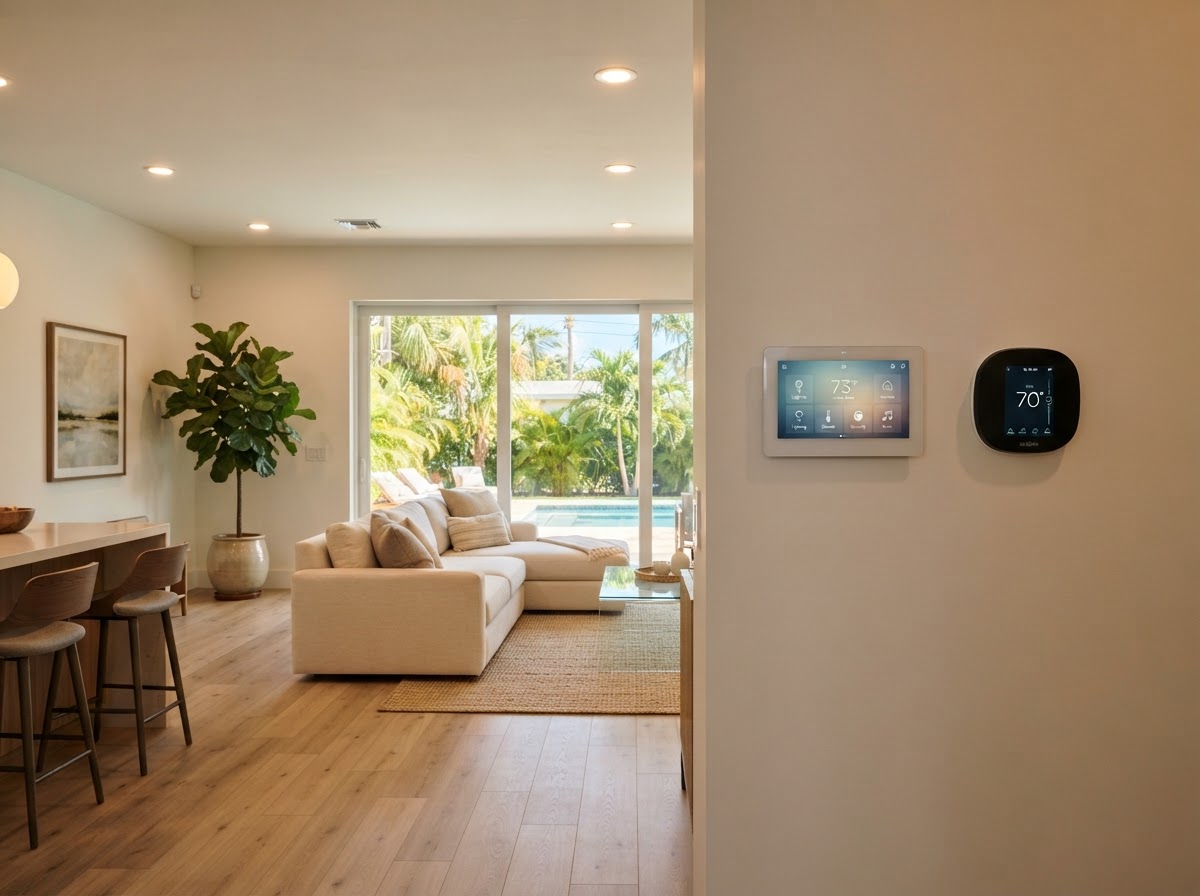
Home Automation & Smart Home
What Is Home Automation? A Smart-Home Guide for Florida Homes
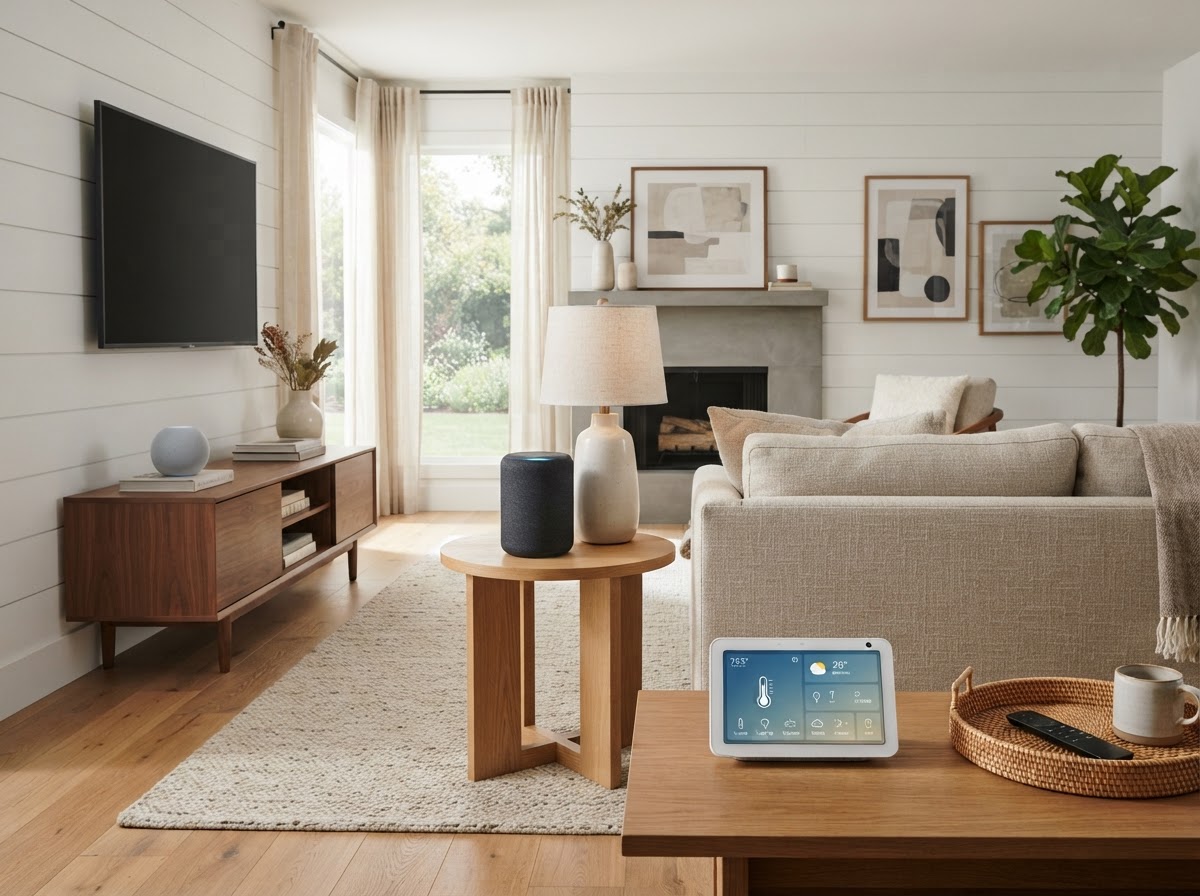
Home Automation & Smart Home
Alexa vs Google Home for Florida Smart Homes: Which Voice Assistant Is Right?
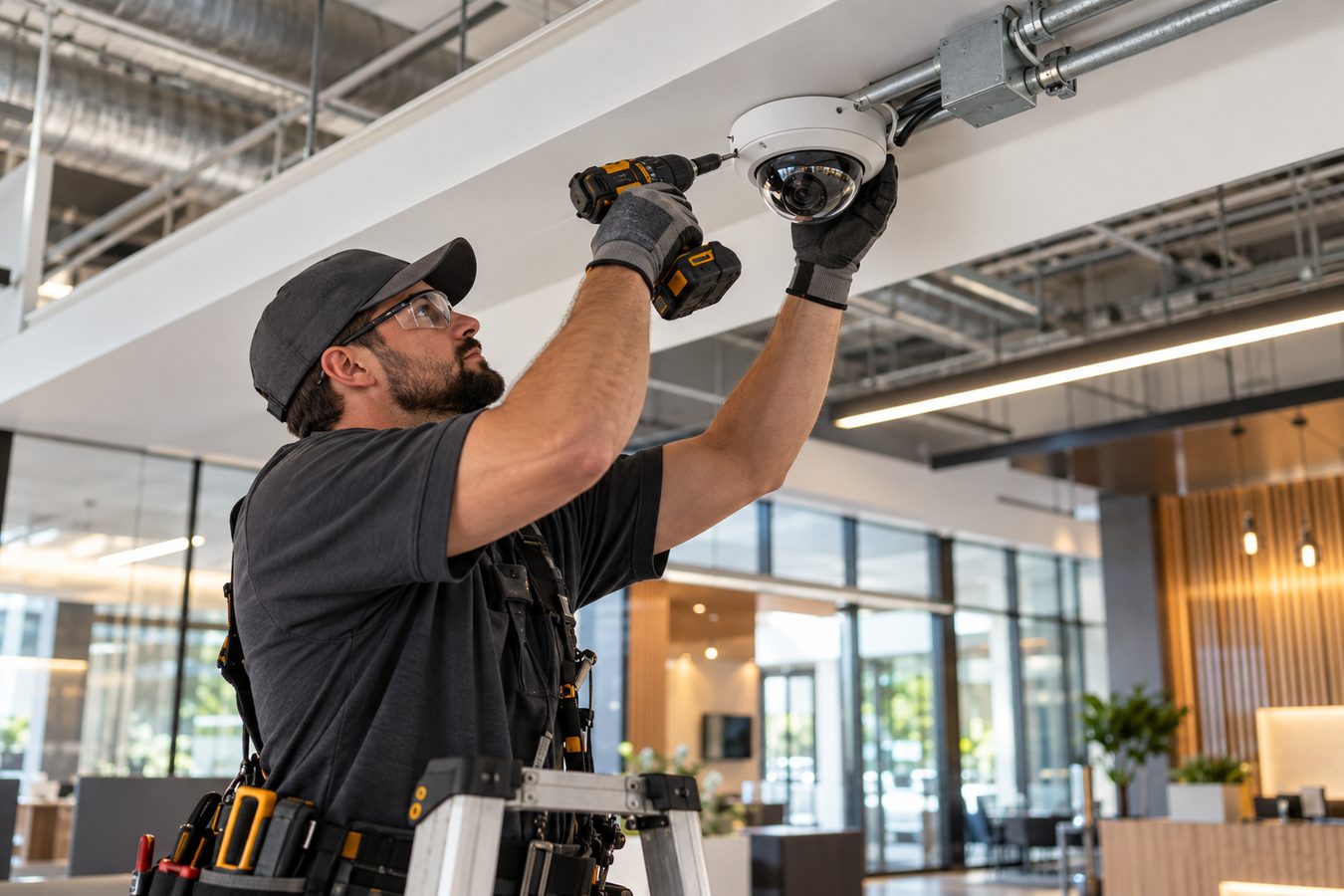
Security Camera Installation
What Is Security Camera Installation? A Complete Guide for Florida Homes and Businesses
Protect and Connect Your Property
Request a free consultation with V Power Solutions. Call us, message on WhatsApp, or complete the contact form.
This article is for general informational purposes only and does not constitute professional advice. Product availability, features, and specifications may change. Contact V Power Solutions for current information about your specific project.


