
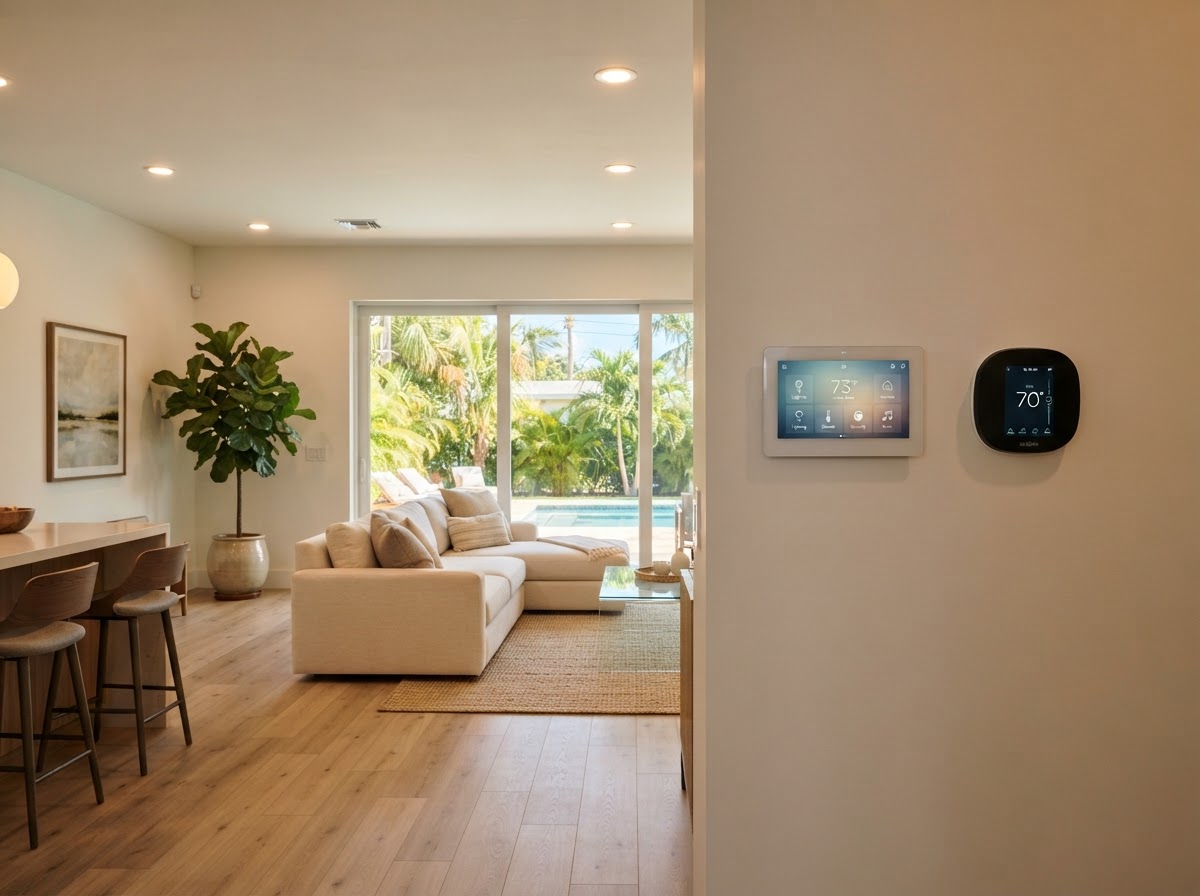
Understand what home automation is, the devices it connects, how control works, and the benefits for comfort, security, and energy.
Key Takeaways
- Home automation connects devices so they work together and can be controlled from one place.
- Common devices include lighting, thermostats, locks, cameras, shades, and entertainment.
- Control happens through smartphone apps, voice assistants, or wall touchpads.
- Scenes automate multiple devices at once—like 'Goodnight' or 'Away' modes.
- Professional setup ensures devices communicate reliably and fit your routine.

Table of Contents
- 1.What Home Automation Means
- 2.Devices That Make Up a Smart Home
- 3.How You Control a Smart Home
- 4.What Scenes and Automations Do
- 5.Benefits of a Professionally Set Up System
- 6.Frequently Asked Questions
What Home Automation Means
Home automation is the connection of household devices so they communicate, work together, and can be controlled from a single interface. Instead of operating each device separately, a smart-home system lets you manage lighting, climate, security, and entertainment as one coordinated environment.
For example, a 'Goodnight' scene can lock the doors, turn off lights, lower the thermostat, and arm the alarm with one tap. An 'Away' scene can simulate occupancy while you travel. This coordination is what turns individual smart devices into a true smart home.
Devices That Make Up a Smart Home
A smart home can include many device types. You do not need all of them at once—most homeowners start with a few and expand over time.
- Smart lighting with dimming and scheduling
- Smart thermostats for climate control and energy savings
- Smart locks for keyless entry and remote locking
- Security cameras with mobile viewing
- Motorized shades and blinds
- Voice assistants like Alexa and Google Home
- Smart TVs and multi-room audio
- Garage door and gate controllers
How You Control a Smart Home
Control happens through three main methods: a smartphone app, voice commands, and wall touchpads or keypads. The app lets you manage everything from anywhere. Voice assistants let you ask for changes hands-free. Touchpads provide quick, always-available control without a phone.
V Power Solutions sets up all three so you can choose the method that fits the moment—voice while cooking, app while away, touchpad while walking through the house.
What Scenes and Automations Do
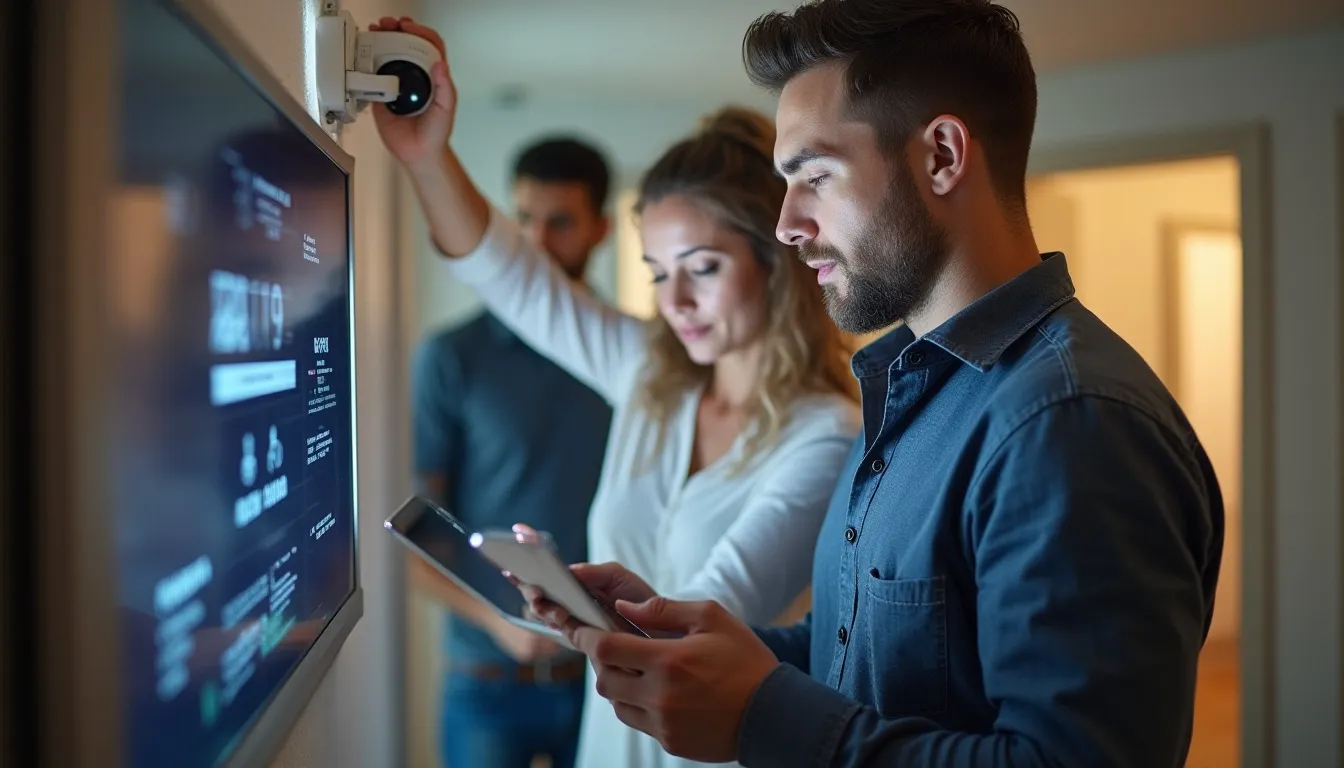
Scenes are preset combinations of device actions triggered at once. Automations are rules that trigger actions based on time, sensors, or events. Together, they let your home respond without you touching anything.
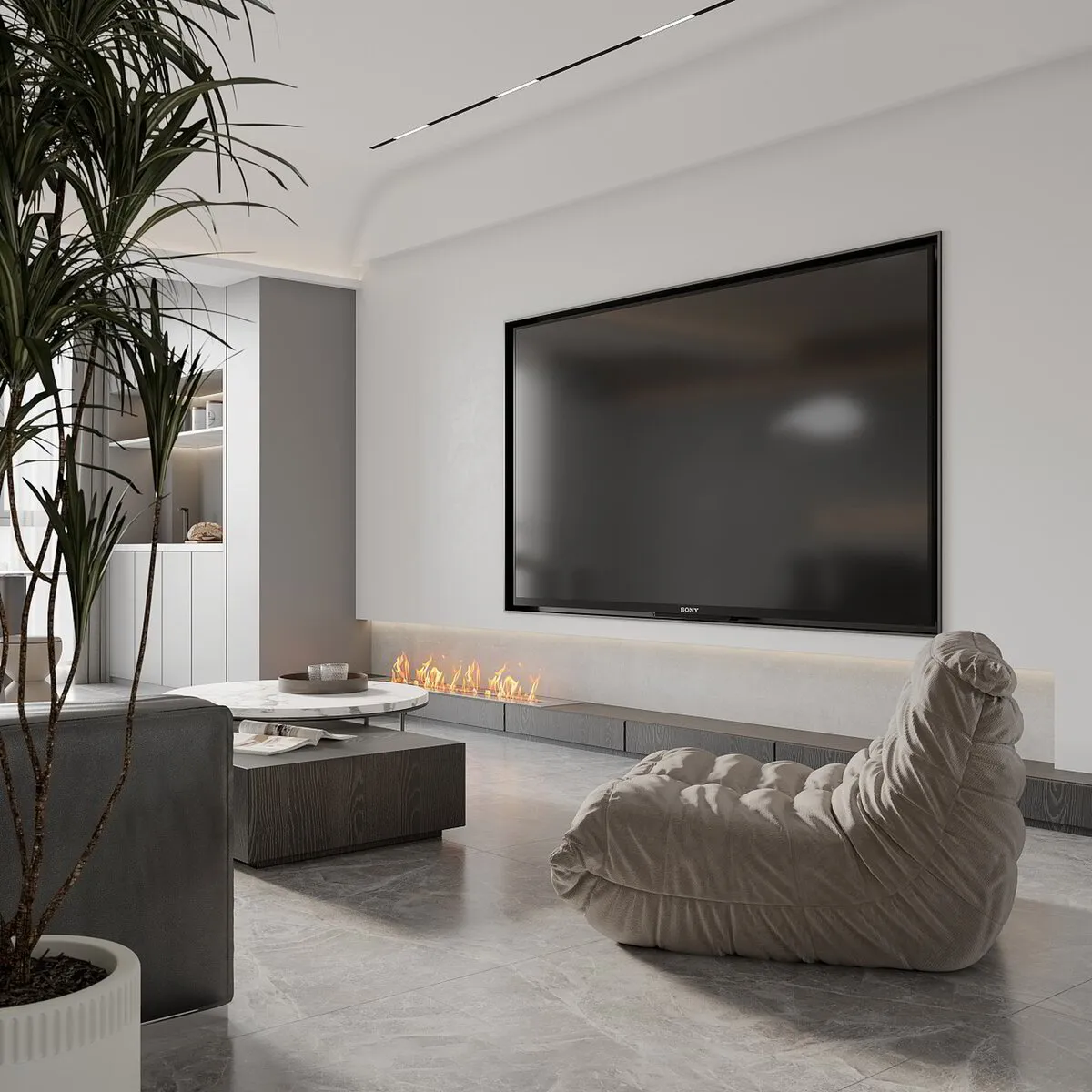
For example, an automation can turn on exterior lights at sunset, lock doors at a set time, or adjust the thermostat when you leave. Scenes let you set a mood—'Movie' dims lights, lowers shades, and turns on the TV with one command.
Benefits of a Professionally Set Up System
A professionally set up smart home works reliably because devices are configured to communicate correctly, automations are tested, and control methods are trained. DIY setups often have devices that do not talk to each other or automations that fail at the wrong moment.
V Power Solutions selects compatible devices, configures scenes and automations around your routine, and trains you on control. The result is a smart home that actually simplifies your life rather than adding complexity.
Interested in a smart home? V Power Solutions can design an automation system that fits your routine and grows with your needs.
Request a Free ConsultationFrequently Asked Questions
Q.What is home automation?+
Q.What devices can I include in a smart home?+
Q.How do I control a smart home?+
Q.What is a smart-home scene?+
Q.Does home automation work with Alexa and Google Home?+
Q.Can I start small and expand later?+
Related Services
Related Articles
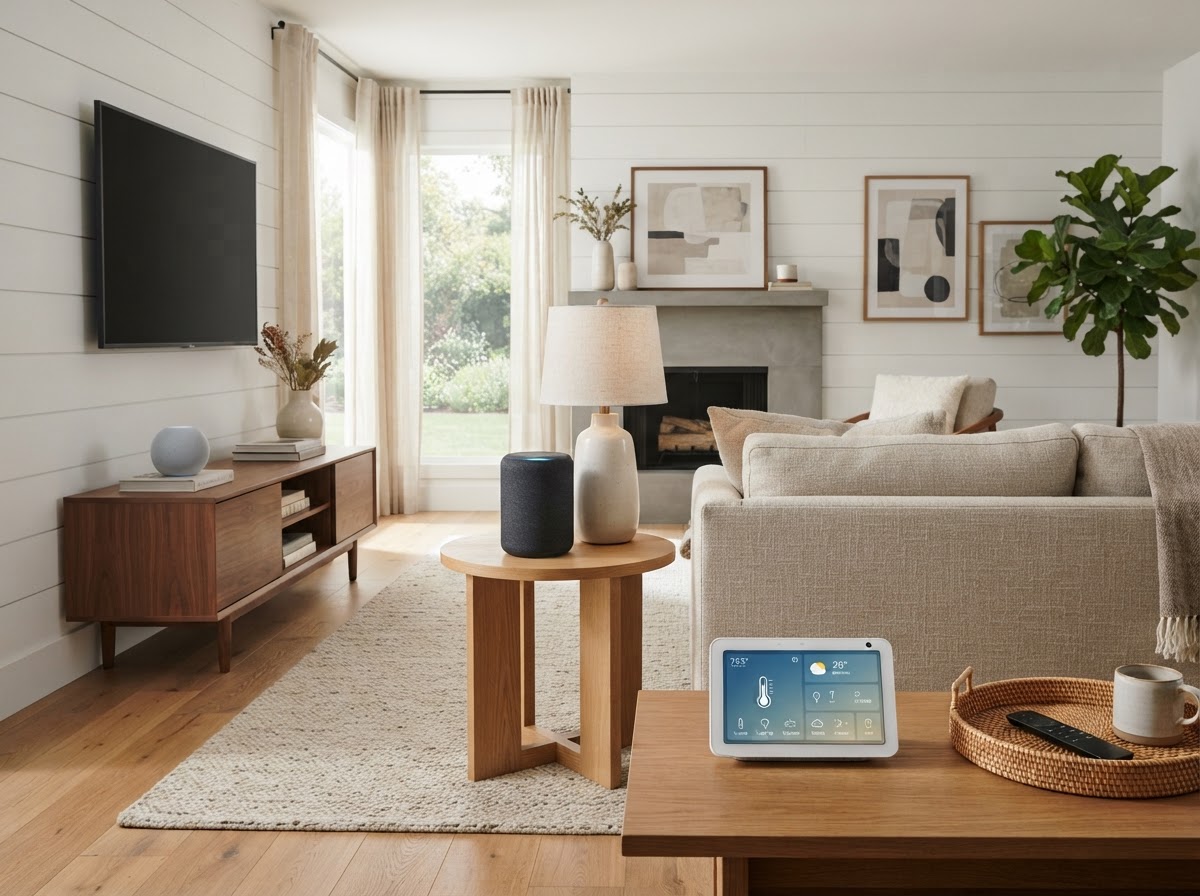
Home Automation & Smart Home
Alexa vs Google Home for Florida Smart Homes: Which Voice Assistant Is Right?
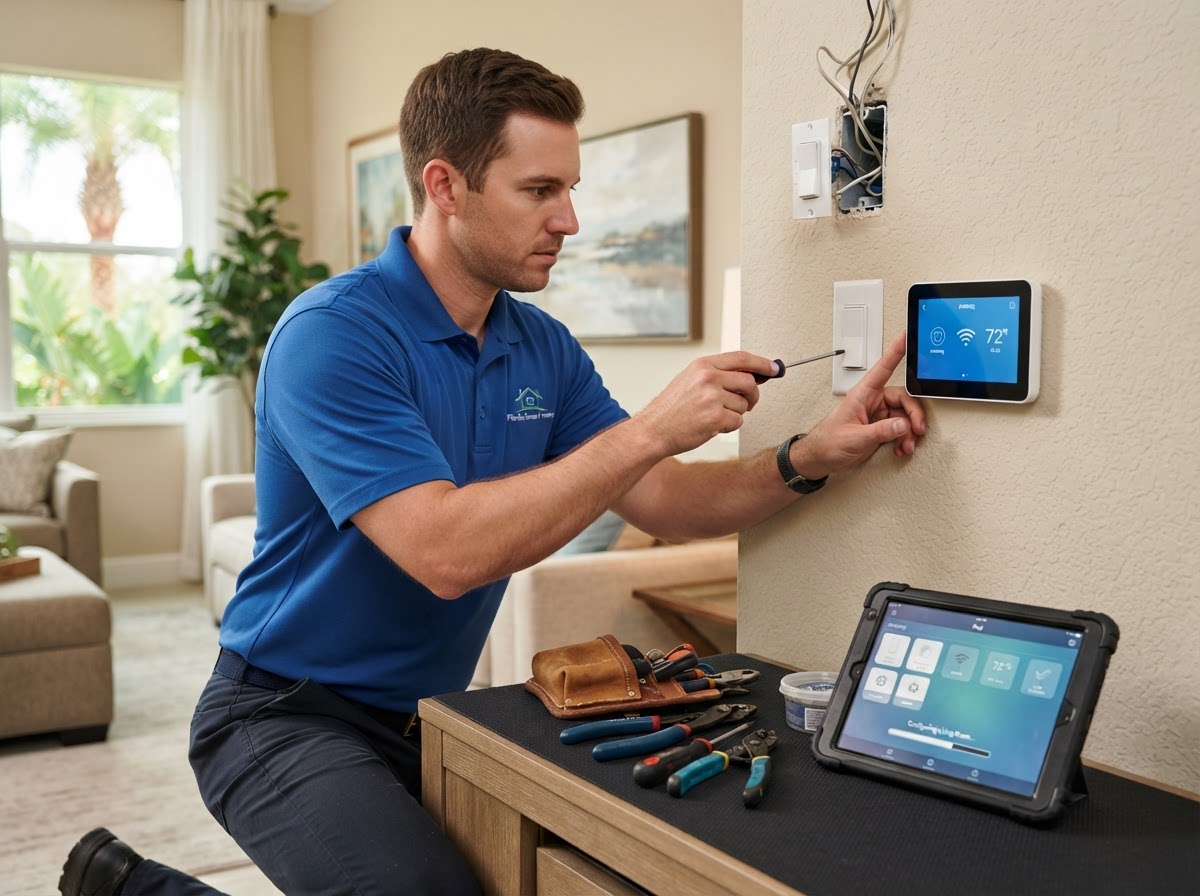
Home Automation & Smart Home
How to Set Up a Smart Home System: Planning, Installation, and Maintenance
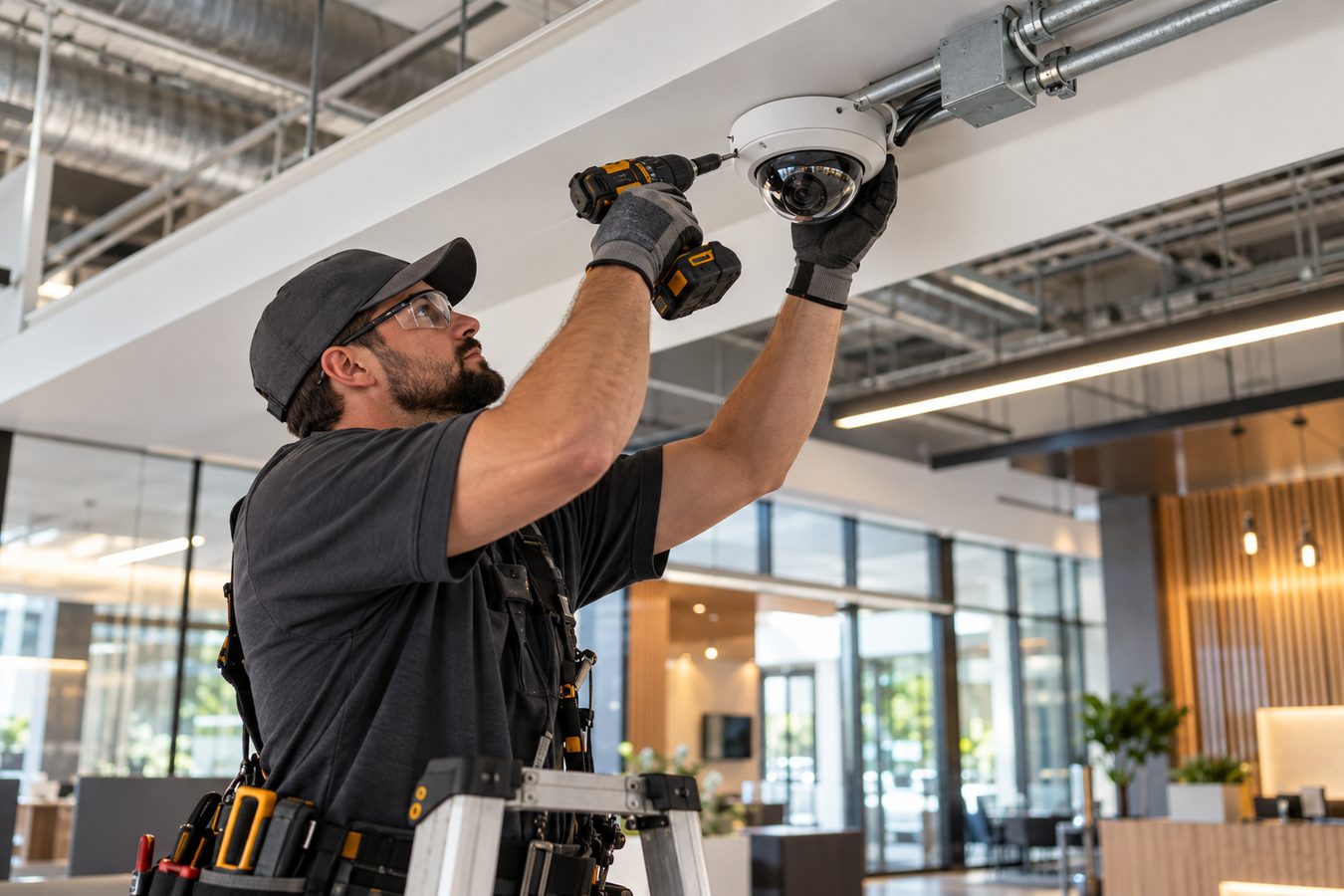
Security Camera Installation
What Is Security Camera Installation? A Complete Guide for Florida Homes and Businesses
Protect and Connect Your Property
Request a free consultation with V Power Solutions. Call us, message on WhatsApp, or complete the contact form.
This article is for general informational purposes only and does not constitute professional advice. Product availability, features, and specifications may change. Contact V Power Solutions for current information about your specific project.


