
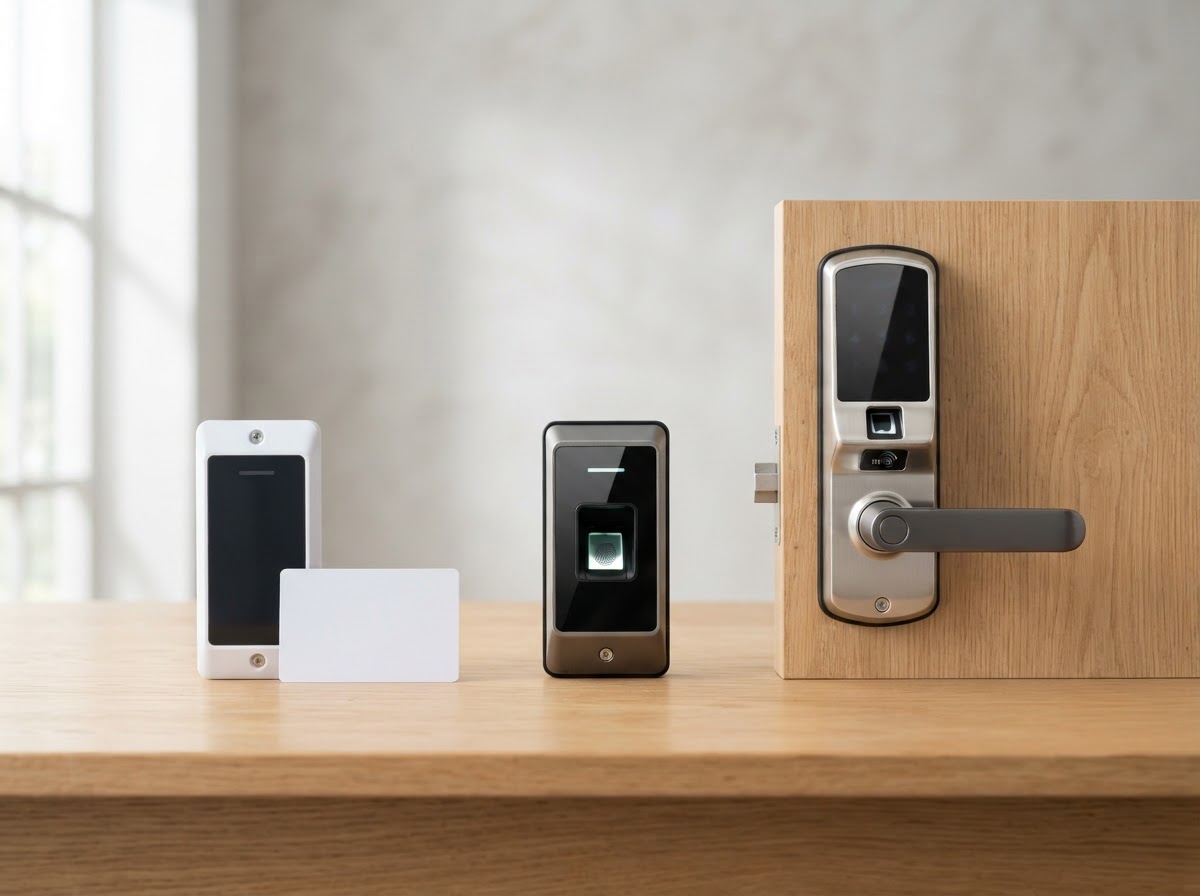
Compare keycard, biometric, and smart lock access methods on security, convenience, cost, and best-use cases to choose the right fit.
Key Takeaways
- Keycards are convenient and affordable for managing many users, ideal for offices and condos.
- Biometrics offer the highest security since credentials cannot be lost or shared.
- Smart locks suit homes and small businesses wanting keyless, app-based entry.
- Many properties combine methods—keycards for staff, biometrics for sensitive areas.
- A consultation helps match the method to your security level and user count.

Table of Contents
- 1.Keycard and Fob (RFID) Access
- 2.Biometric Fingerprint Access
- 3.Smart Lock and App Access
- 4.Comparing Security and Convenience
- 5.Combining Methods for Best Results
- 6.Frequently Asked Questions
Keycard and Fob (RFID) Access
Keycards and fobs use RFID technology. A user taps the card or fob near a reader, and the system grants or denies entry based on that credential's permissions. Cards are inexpensive to issue and replace, making them practical for properties with many users.
The main limitation is that a card can be lost, borrowed, or stolen. For most offices and residential buildings, this is acceptable because cards can be deactivated instantly. For higher-security areas, cards may be combined with a second factor.
Biometric Fingerprint Access
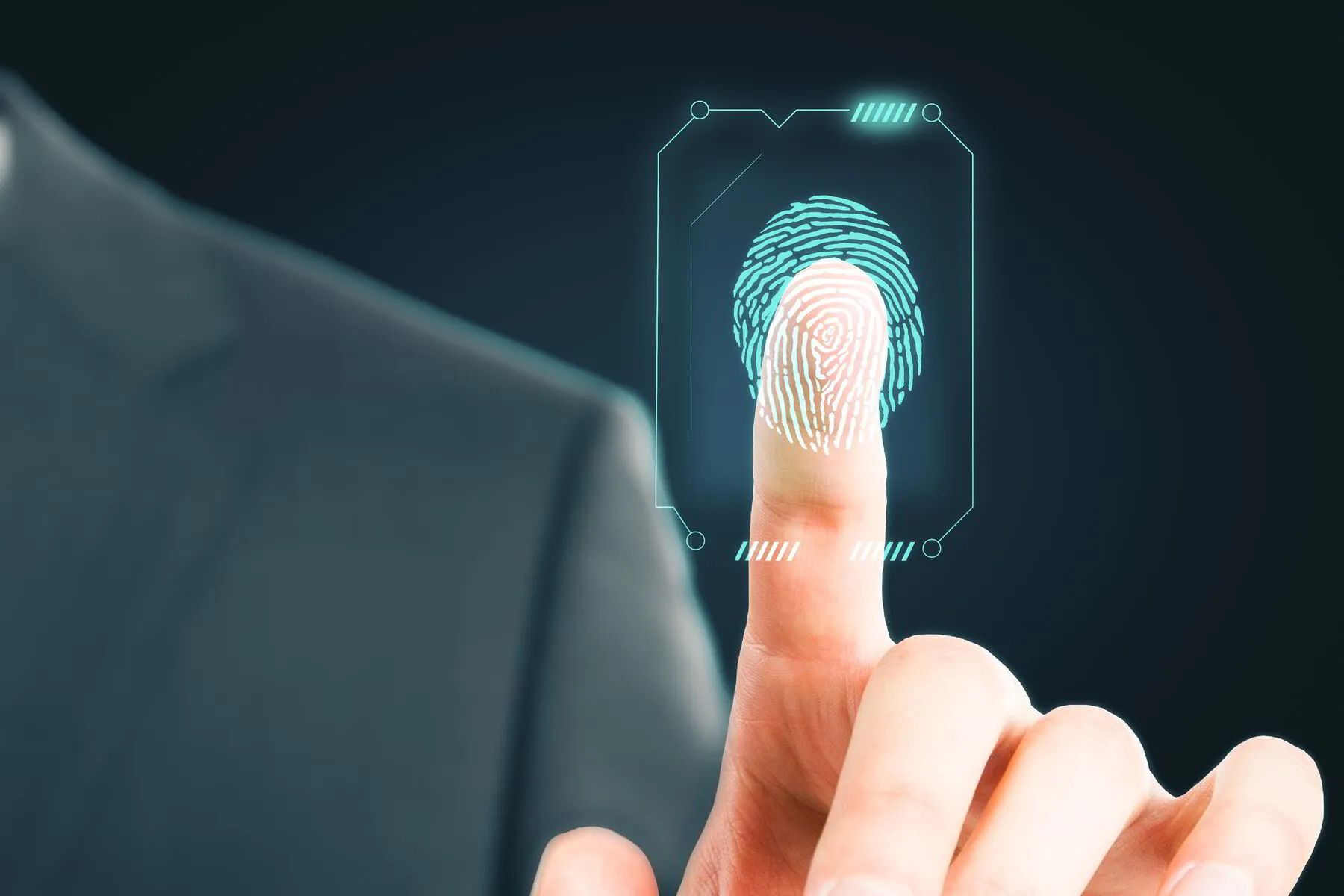
Biometric readers scan a fingerprint to grant access. The credential is the person, so it cannot be lost, forgotten, or shared. This makes biometrics the strongest single-factor method for high-security areas like server rooms, cash offices, or restricted labs.
Biometrics are typically used for specific high-value doors rather than every door, since the hardware costs more. Many businesses use keycards for general entry and biometrics for the few doors that need extra protection.
Smart Lock and App Access
Smart locks replace or supplement a traditional lock with an electronic one that opens via smartphone app, code, or sometimes a fingerprint. They are popular for homes and small businesses that want keyless entry without a full access-control platform.
Smart locks offer convenience—grant temporary codes to guests, check lock status remotely, and receive entry alerts. They are best for properties with a manageable number of users rather than hundreds of credentials.
Comparing Security and Convenience
Security increases from smart lock to keycard to biometric, but so does cost and complexity. Convenience is highest with smart locks and keycards (tap or app), and slightly lower with biometrics (requires a clean scan).
For a home, a smart lock often provides the right balance. For an office with 30 employees, keycards are practical and affordable. For a server room or cash office, biometrics add the security that cards cannot.
Combining Methods for Best Results
The strongest setups combine methods. A business might use keycards for general entry, biometrics for the server room, and a smart lock on the back door for convenience. A home might use a smart lock on the front door and a keypad on the garage.
V Power Solutions designs the combination that fits your property, security needs, and budget. A consultation identifies which doors need which level of protection and recommends the right credential for each.
Choosing an access method for your property? V Power Solutions can recommend the right combination of keycards, biometrics, and smart locks for your needs.
Request a Free ConsultationFrequently Asked Questions
Q.Which access method is most secure?+
Q.Are keycards secure enough for a business?+
Q.Can smart locks be hacked?+
Q.Can I use more than one access method?+
Q.What if a keycard is lost?+
Related Services
Related Articles
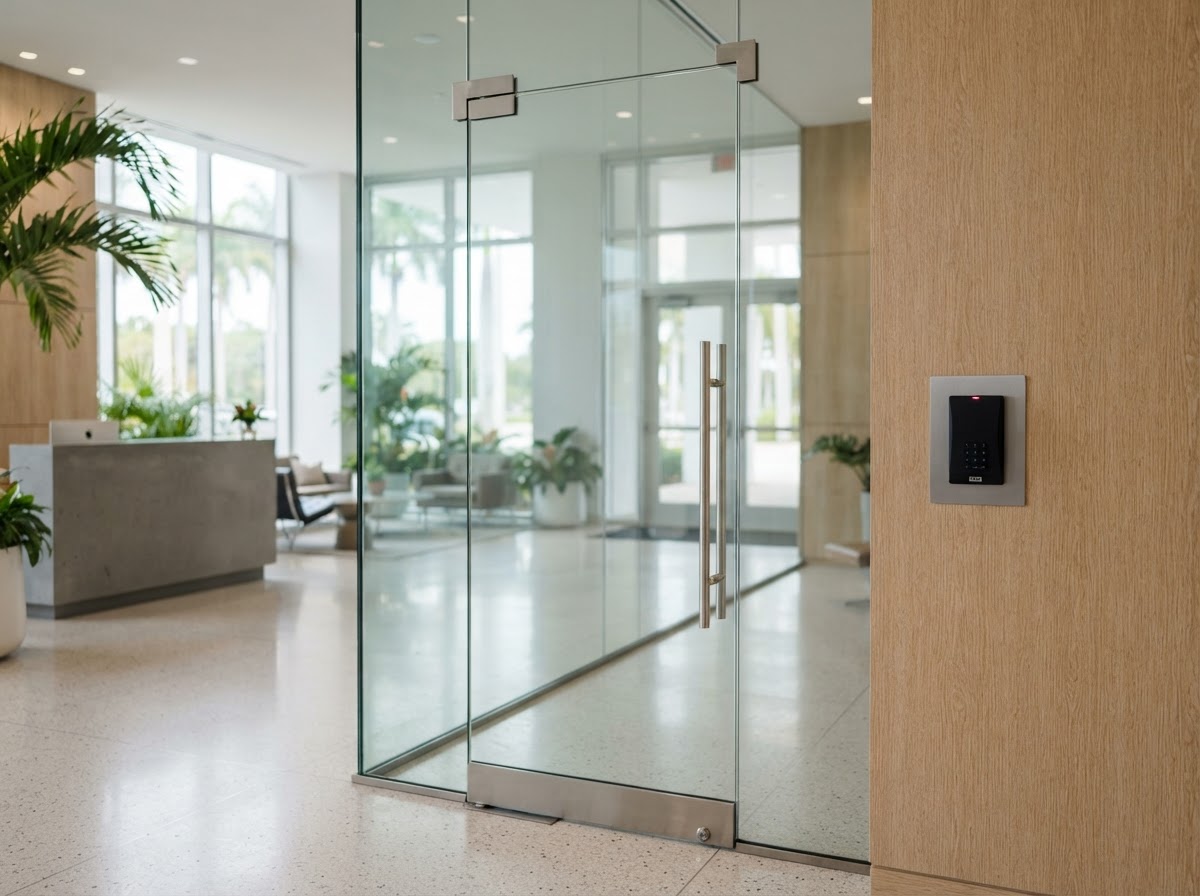
Access Control Systems
What Is an Access Control System? A Guide for Florida Homes and Businesses

Access Control Systems
How to Choose an Access Control System: Planning, Setup, and Maintenance
Security Camera Installation
What Is Security Camera Installation? A Complete Guide for Florida Homes and Businesses
Protect and Connect Your Property
Request a free consultation with V Power Solutions. Call us, message on WhatsApp, or complete the contact form.
This article is for general informational purposes only and does not constitute professional advice. Product availability, features, and specifications may change. Contact V Power Solutions for current information about your specific project.


