
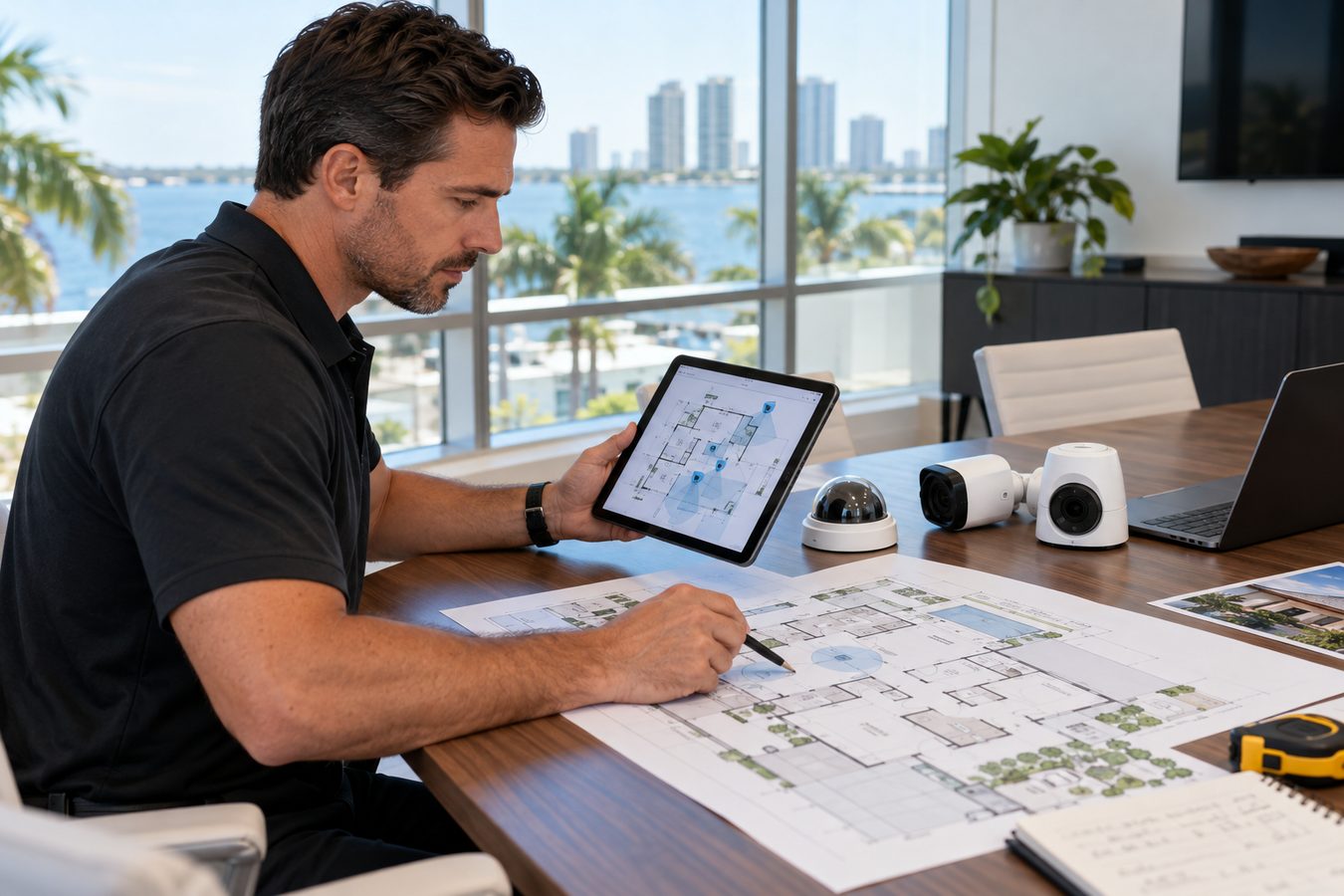
A practical guide to planning camera placement, identifying blind spots, preparing for installation, and maintaining your system for reliable performance.
Key Takeaways
- Identify your priority areas—entry points, driveways, and high-value zones—before planning camera count.
- Map sight lines to eliminate blind spots and ensure overlapping coverage at corners.
- Consider lighting, mounting height, and weather exposure for each camera location.
- Prepare your property by clearing access and confirming network and power availability.
- Maintain your system with periodic cleaning, firmware updates, and connection checks.

Table of Contents
- 1.Step 1: Identify Your Priority Areas
- 2.Step 2: Map Sight Lines and Eliminate Blind Spots
- 3.Step 3: Consider Lighting and Mounting Height
- 4.Preparing for Installation Day
- 5.Maintaining Your Camera System
- 6.Frequently Asked Questions
Step 1: Identify Your Priority Areas
Start by listing the areas you most want to monitor. For homes, this usually means front and back doors, the driveway, side yards, and any detached garage. For businesses, it means entrances, parking lots, loading docks, cash-handling areas, and inventory storage.
Rank these by priority. Not every area needs a dedicated camera—some can be covered by a wide-angle lens that captures two zones. The goal is to ensure every priority area has clear coverage without wasting cameras on low-value spots.
Step 2: Map Sight Lines and Eliminate Blind Spots
Walk your property and look at it from each potential camera position. Note what the camera would see and what it would miss. Corners are common blind spots—a single camera on one wall may not see around the corner, so plan overlapping coverage or a second camera.
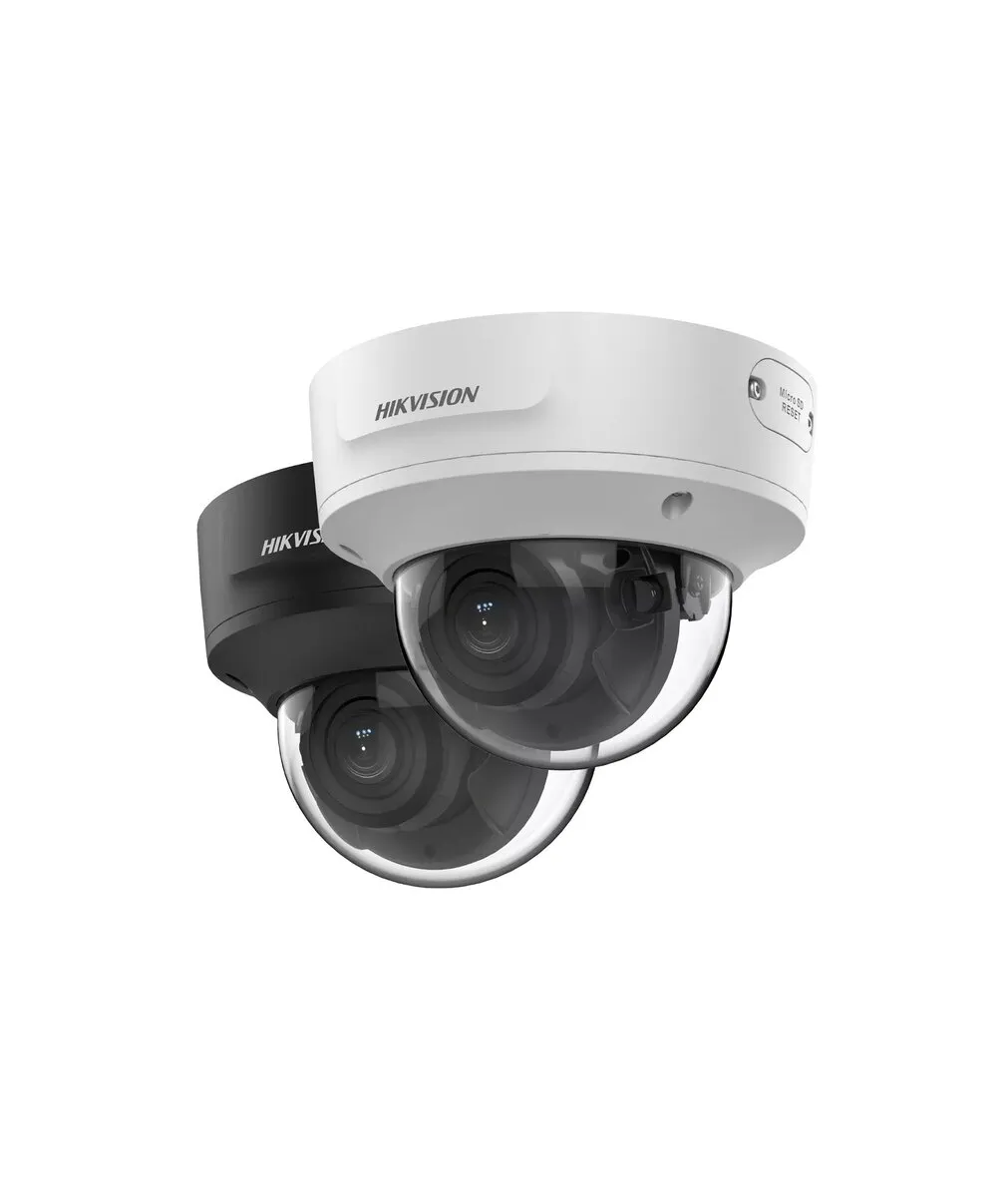
Consider the camera's field of view. Wide-angle lenses cover more area but with less detail at a distance; narrower lenses capture detail farther away. V Power Solutions balances these during planning to ensure you can both see the broad area and identify detail when needed.
Step 3: Consider Lighting and Mounting Height
Lighting affects image quality. A camera facing direct sunlight may produce glare, while a camera in deep shade relies on infrared at night. Position cameras to avoid pointing directly at bright light sources, and consider adding motion-activated lighting to improve nighttime clarity.
Mounting height matters for both coverage and tamper resistance. Outdoor cameras are typically mounted 8 to 10 feet high—high enough to see over obstacles and resist reaching, low enough to avoid a top-down angle that misses faces. V Power Solutions confirms each mount height during the site walk.
Preparing for Installation Day
Before the installation team arrives, clear access to where cameras will mount and where the NVR will sit. Confirm your internet connection is active and your router has available ports (or plan for a switch). Have your smartphone ready for app pairing. If you are also installing [[burglar alarms|/services/security-alarm-installation]] or [[access control|/services/access-control-systems]], coordinate the visits so all low-voltage wiring is planned together.
If you have an HOA or building management, confirm any rules about camera placement and exterior mounting. V Power Solutions coordinates these details, but knowing them in advance keeps the project on schedule and ensures compatibility with any existing [[structured cabling|/services/structured-cabling-installation]].
Maintaining Your Camera System
A camera system needs minimal but regular maintenance to stay reliable. Every few months, check that each camera's lens is clean—Florida humidity and rain leave residue that can blur footage. Wipe lenses with a soft, dry cloth.
Periodically confirm that all cameras are recording and that the mobile app shows live feeds. Keep the NVR firmware updated, and after severe weather, verify that outdoor cameras are still securely mounted and connections are dry. If a camera drops offline, contact V Power Solutions for support.
- Clean camera lenses every few months
- Confirm all cameras are recording and streaming
- Keep NVR firmware updated
- Check outdoor mounts after severe weather
- Contact support if any camera goes offline
Planning a camera layout for your property? V Power Solutions can map your coverage, eliminate blind spots, and install a system that performs reliably.
Request a Free ConsultationFrequently Asked Questions
Q.How do I plan a security camera layout?+
Q.How high should security cameras be mounted?+
Q.How do I avoid blind spots?+
Q.How often should I maintain my cameras?+
Q.Do I need to tell my HOA about cameras?+
Q.What if a camera stops working?+
Related Services
Related Articles
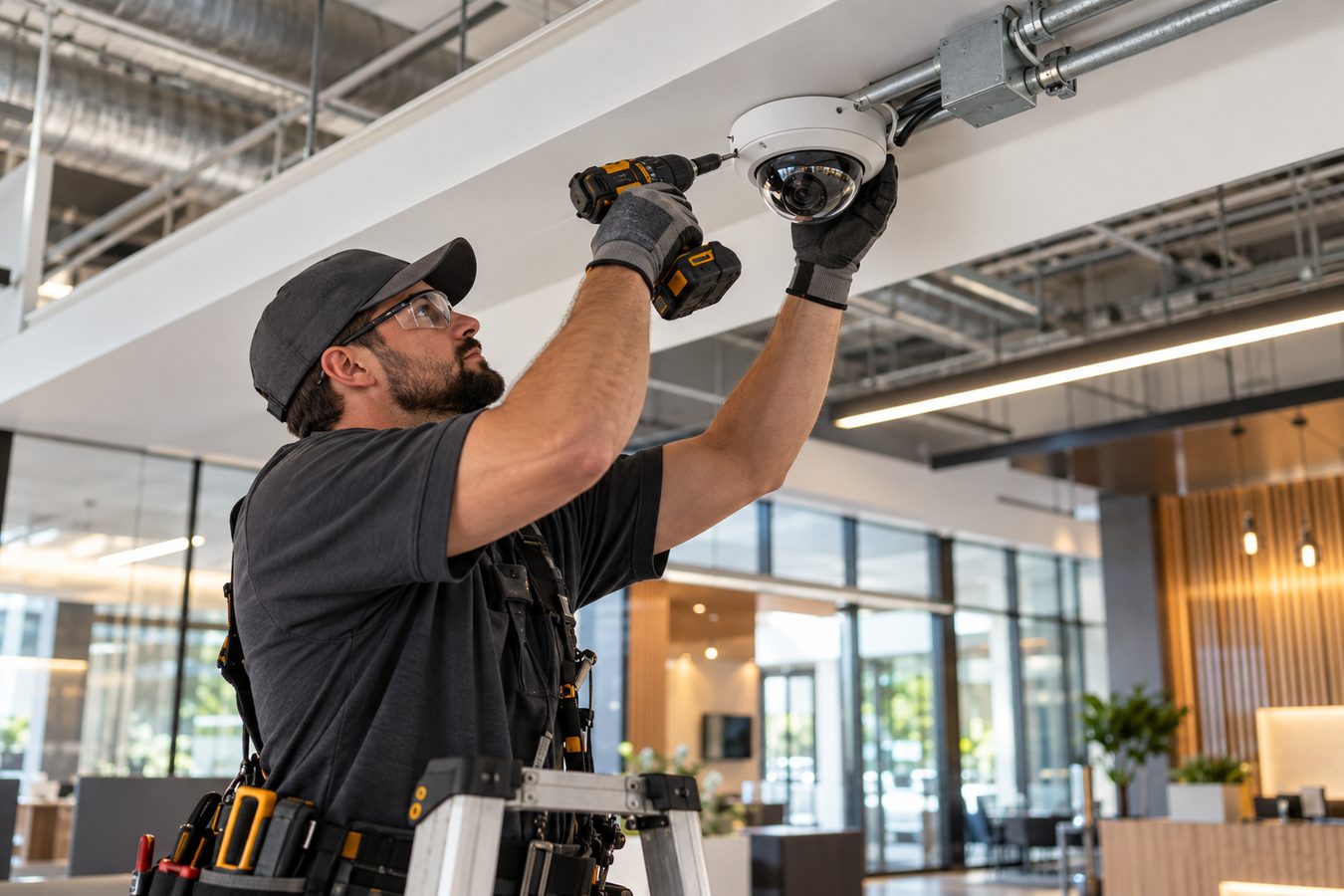
Security Camera Installation
What Is Security Camera Installation? A Complete Guide for Florida Homes and Businesses
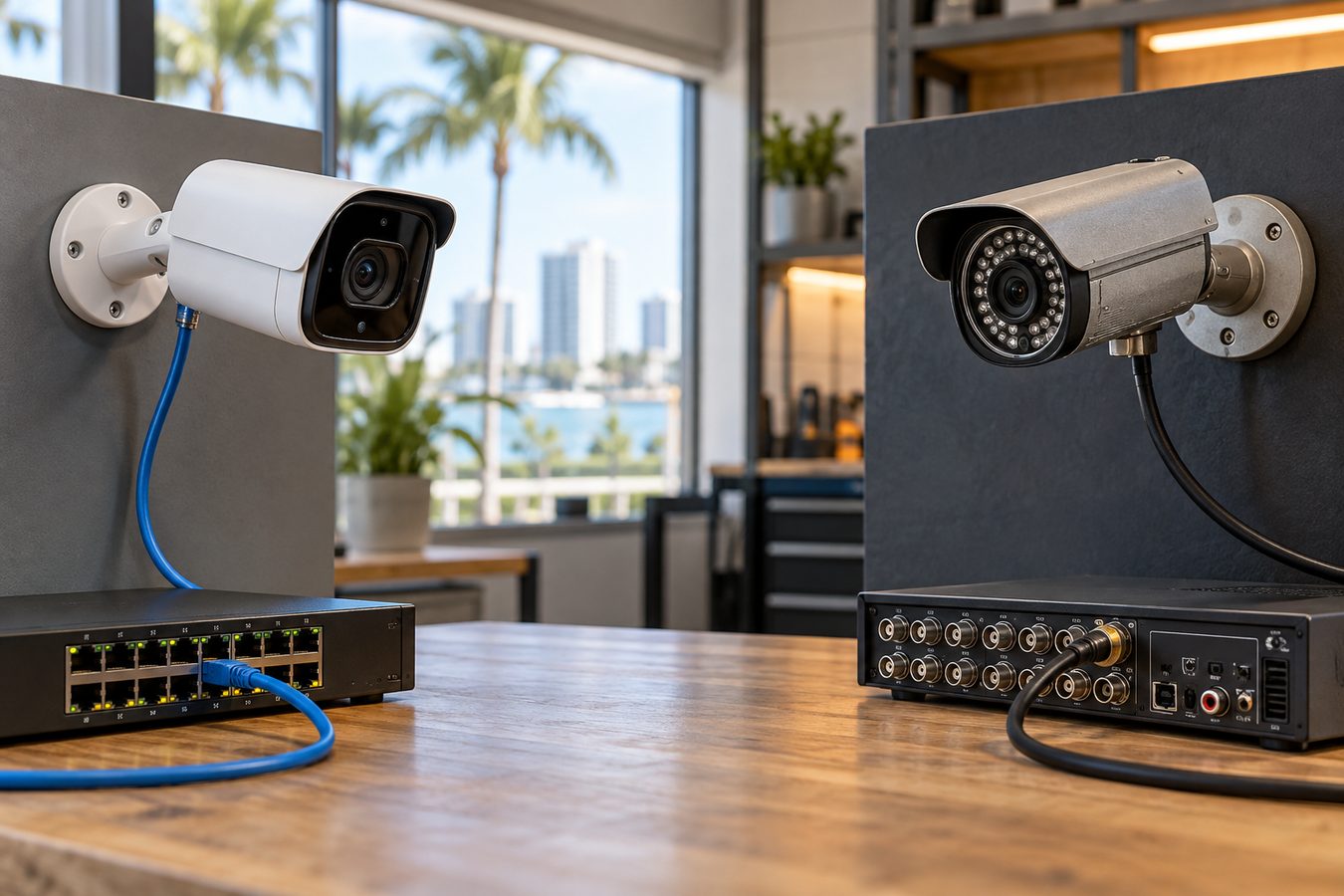
Security Camera Installation
IP Cameras vs Analog CCTV: Which Is Right for Your Florida Property?
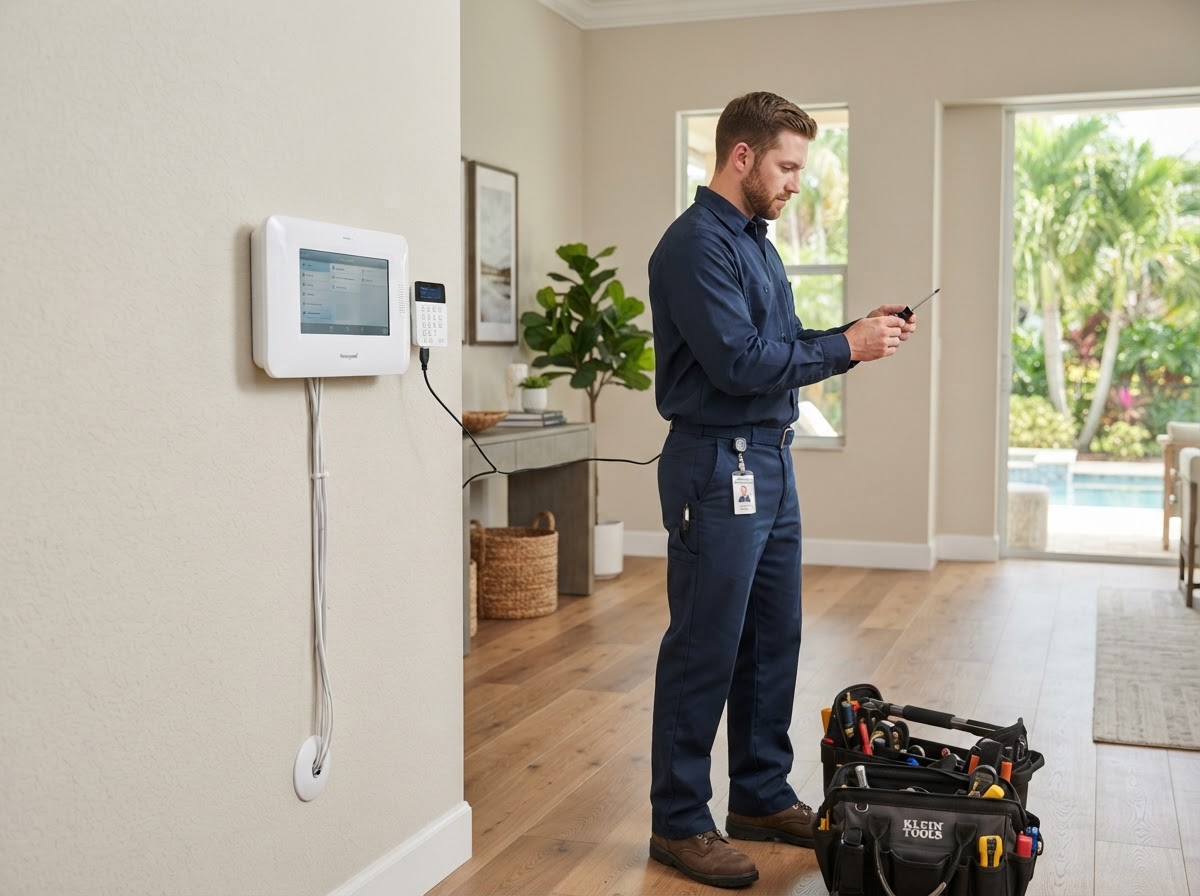
Burglar Alarm Installation
What Is Professional Burglar Alarm Installation? A Guide for Florida Properties
Protect and Connect Your Property
Request a free consultation with V Power Solutions. Call us, message on WhatsApp, or complete the contact form.
This article is for general informational purposes only and does not constitute professional advice. Product availability, features, and specifications may change. Contact V Power Solutions for current information about your specific project.


