
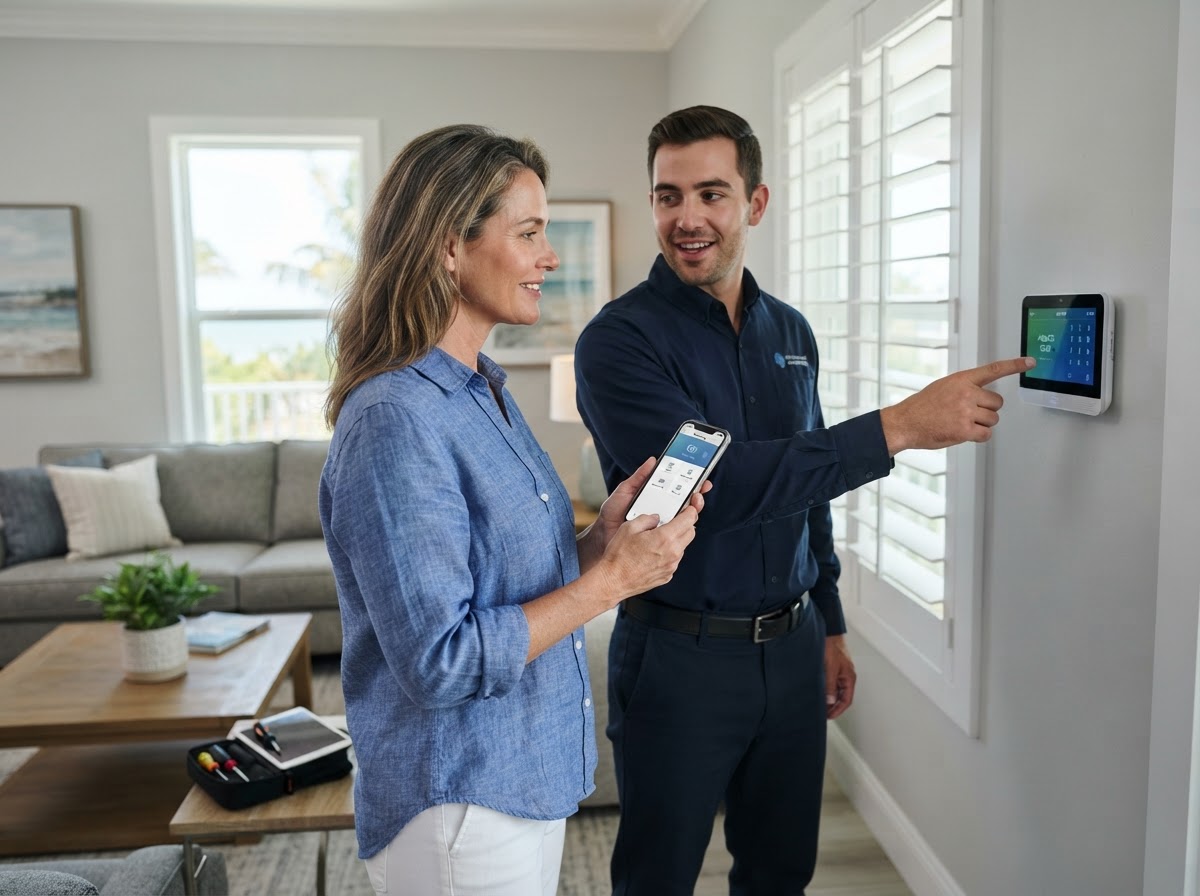
A step-by-step guide to preparing for an alarm installation, understanding setup day, using your system daily, and maintaining it for reliable protection.
Key Takeaways
- Identify your entry points and daily routine before the consultation so zones are designed around your life.
- Prepare the property by clearing access to sensor locations and confirming power and connectivity.
- On setup day, expect sensor placement, panel configuration, code programming, and full testing.
- Learn arming modes, entry/exit delays, and mobile-app control during the walkthrough.
- Test the system periodically and replace sensor batteries when alerted to maintain reliability.

Table of Contents
- 1.Before the Consultation: Map Your Entry Points and Routine
- 2.Preparing Your Property for Alarm Setup
- 3.What Happens on Setup Day
- 4.Using Your Alarm System Day to Day
- 5.Testing and Maintaining Your System
- 6.Frequently Asked Questions
Before the Consultation: Map Your Entry Points and Routine
Effective alarm design starts with understanding how you use your property. Walk through your home or business and note every door and window you consider an entry point. Then think about your daily routine—when you leave, when you return, who has access, and which areas should be armed versus left disarmed.
This information shapes the zone design. For example, a business may want the front door on a delay so staff can enter and disarm, while interior motion sensors arm immediately. A home may keep bedroom windows armed at night while the front door allows a delayed entry. Sharing these details during consultation produces a system that fits your life rather than fighting it.
- All exterior doors and ground-floor windows
- Interior motion zones for hallways and common areas
- Areas that should stay disarmed during the day
- Who needs access codes and at what times
- Any pets that affect sensor selection
Preparing Your Property for Alarm Setup
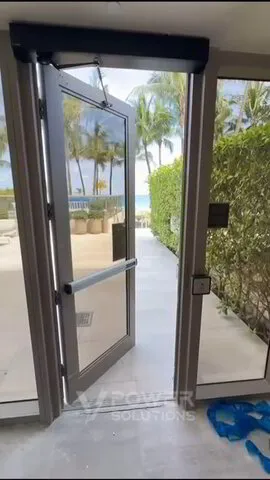
Good preparation makes setup day smooth. Clear access to where sensors will mount—door frames, window frames, and corners where motion sensors go. If the control panel is being installed in a specific location, ensure that area is accessible and near a power source.
Confirm your internet connection is active if the system uses internet for alerts, and have your smartphone charged for app pairing. For businesses, coordinate who will be present to receive codes and training, and plan any necessary access for technicians to all zones.
What Happens on Setup Day
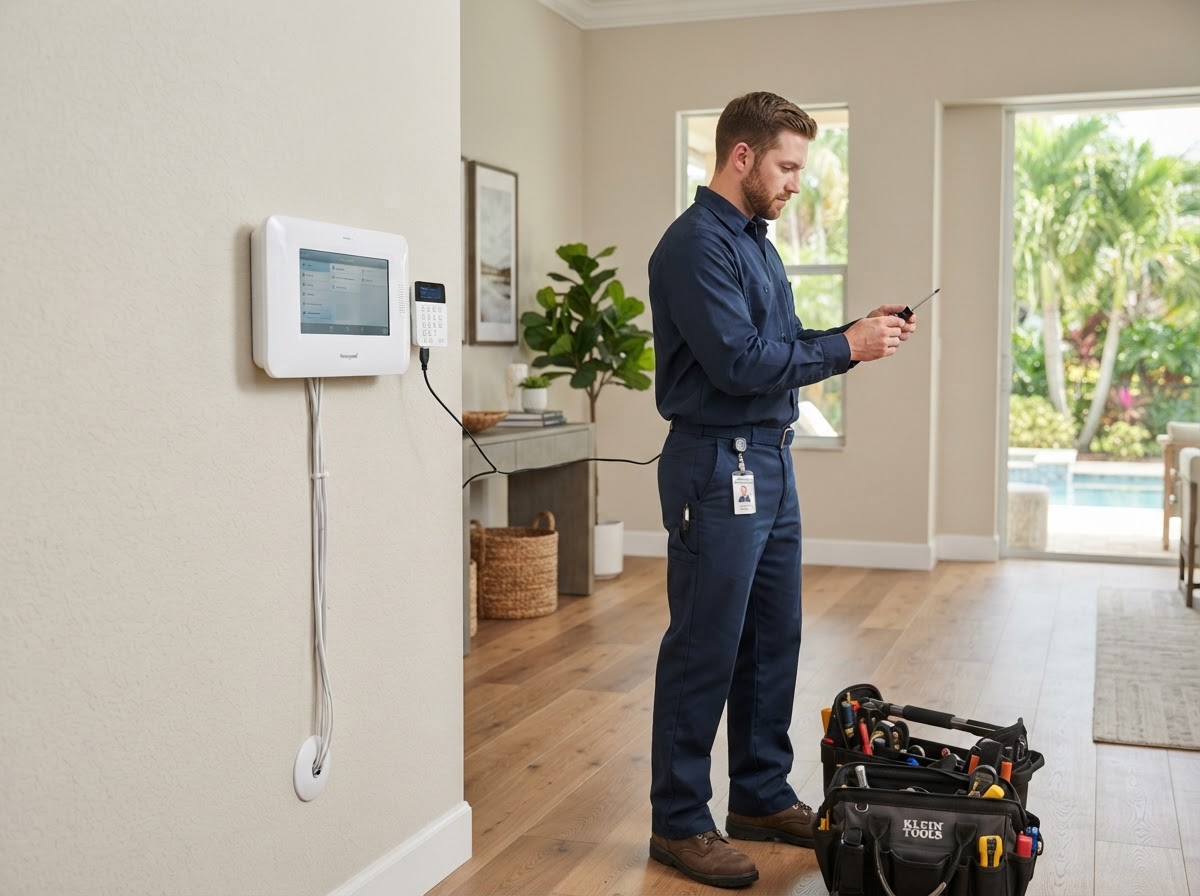
On setup day, the technician confirms the zone plan, then mounts sensors at each entry point and interior location. The control panel is installed and wired or paired, entry and exit delays are configured, and user codes are programmed. Every zone is then tested by triggering each sensor while the system is in test mode.
After testing, the mobile app is paired so you receive alerts and can arm or disarm remotely. The technician walks you through arming modes—stay, away, and night—and explains how entry delays work, how to cancel a false alarm, and how to add or change user codes.
Using Your Alarm System Day to Day
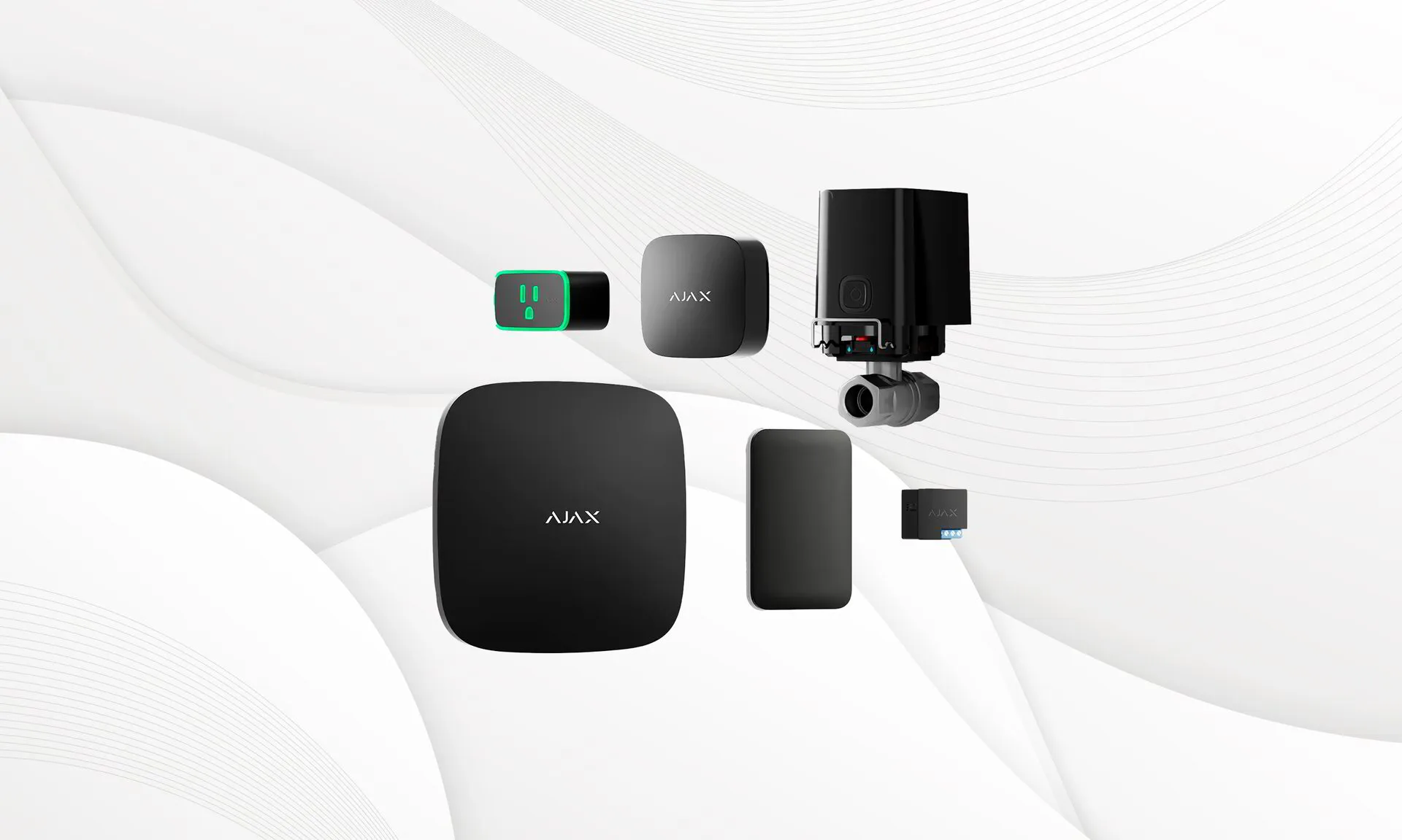
Daily use is simple once you understand the arming modes. Away mode arms all zones for when you leave the property. Stay mode arms perimeter zones while allowing movement inside, ideal for nighttime. Night mode can be customized to your preferred combination of zones.
Entry and exit delays give you time to enter and disarm or exit and arm without triggering the siren. The mobile app lets you check status, arm or disarm remotely, and receive instant alerts. If you accidentally trigger the alarm, you can cancel it quickly using your code or the app before a notification is sent.
Testing and Maintaining Your System
Periodic testing keeps your alarm reliable. Once a month, place the system in test mode and trigger each sensor to confirm it reports correctly. This catches issues like a low battery or a sensor that has shifted position before they matter.
Wireless sensors will alert you when a battery is low—replace it promptly to avoid a gap in coverage. Keep the control panel's firmware updated, and after severe weather verify that exterior sensors are still securely mounted. If anything seems off, contact V Power Solutions for support rather than assuming the system is fine.
- Test each sensor monthly in test mode
- Replace wireless sensor batteries when alerted
- Keep control-panel firmware updated
- Verify exterior sensors after severe weather
- Contact support if any zone behaves unexpectedly
Ready to set up reliable alarm protection? V Power Solutions can design zones around your routine and install a system you'll use with confidence.
Request a Free ConsultationFrequently Asked Questions
Q.How do I prepare for an alarm installation?+
Q.What are the different arming modes?+
Q.How do entry and exit delays work?+
Q.How often should I test my alarm system?+
Q.What if I accidentally trigger the alarm?+
Q.How long do alarm sensor batteries last?+
Related Services
Related Articles
Burglar Alarm Installation
What Is Professional Burglar Alarm Installation? A Guide for Florida Properties
Burglar Alarm Installation
Wired vs Wireless Alarm Systems: Which Is Best for Your Florida Property?
Security Camera Installation
What Is Security Camera Installation? A Complete Guide for Florida Homes and Businesses
Protect and Connect Your Property
Request a free consultation with V Power Solutions. Call us, message on WhatsApp, or complete the contact form.
This article is for general informational purposes only and does not constitute professional advice. Product availability, features, and specifications may change. Contact V Power Solutions for current information about your specific project.


